You turn a campus activation into content by deciding the shots before the day, putting one person in charge of capture, getting consent and usage rights as students take part, and planning how the best clips will be reused in paid media afterwards. An activation that produces a clean library of reels, stories and photos keeps working for weeks after the stall is packed. This guide covers the shot list, the ambassador layer, the rights and the paid media loop for brands working in campus marketing.
It is about capture and reuse. For the day itself see how to plan a campus activation, and for the formats that make good content see campus activation ideas.
Decide what content you need
Start with where the content will be used, because that sets the format.
| Use | Format | Length | Needs |
|---|---|---|---|
| Brand Instagram and Reels | Vertical video, text overlay | 10 to 30 seconds | Clean audio or music, clear moment |
| Instagram Stories | Vertical clips and stills | 5 to 15 seconds each | Quick turnaround, same day |
| Ambassador and creator posts | Their own style, their own voice | Varies | A brief and a label |
| Paid social and ads | Short cut with hook and call to action | 6 to 20 seconds | Rights, clean branding, consent |
| College and society pages | Photos and short clips | Varies | Permission, credit |
| Case study and sales decks | Highlights and stills | Varies | Selected, consent checked |
Write down three to five specific pieces you want, not just “content”. For example: one reel of a student winning the challenge, one reel of the queue at peak, one story set of the set-up, a photo set for the college page, and one testimonial clip. A brief like that can be shot in a day.
The shot list
A shot list is the most useful document the content person carries. It names the shots that tell the story of the activation, in the order they will happen.
| Moment | Shot | Why it matters |
|---|---|---|
| Arrival and set-up | Time-lapse or quick cuts of the stall coming together | Opens a reel, shows effort and scale |
| The hook | Students noticing the stall from a distance | Shows curiosity, sets the scene |
| The queue | Wide shot of the line, then close-ups of faces | Social proof |
| The action | A student playing, tasting or trying | The core of the reel |
| The reaction | The first second after the experience | The most shareable moment |
| The win | A winner, a prize, a cheer | Emotional peak |
| The detail | Hands, product, branded items, close-ups | Cutaway footage for editing |
| The voice | One-line reactions to camera, with consent | Testimonial material |
| The close | Packing up, a team photo | Ending for reels and for the report |
Shoot each moment in vertical, with the phone steady or on a small gimbal, in good light. Capture ambient sound as well, because the noise of a canteen is part of the story. Record extra footage of empty backgrounds without people, which is easy to reuse without consent issues.
Who captures it
One person, whose only job is content, is worth more than four staff who film when they can. At a busy stall everyone else is occupied. For a one-day stall this is a videographer, a trained ambassador with a good phone, or the content lead from the team.
A simple split works.
- The content person shoots the planned shots and the best live moments.
- The lead signals when something is about to happen, such as a winner being announced.
- Promoters and ambassadors capture their own stories during quieter moments.
- Students film themselves, which is often the best footage, and tag the brand.
Brief the team the evening before on what to shoot, what to avoid and how to keep the frame clear of clutter. A stray bin or a rival’s banner behind a winner can ruin a reel.
Ambassador and student content
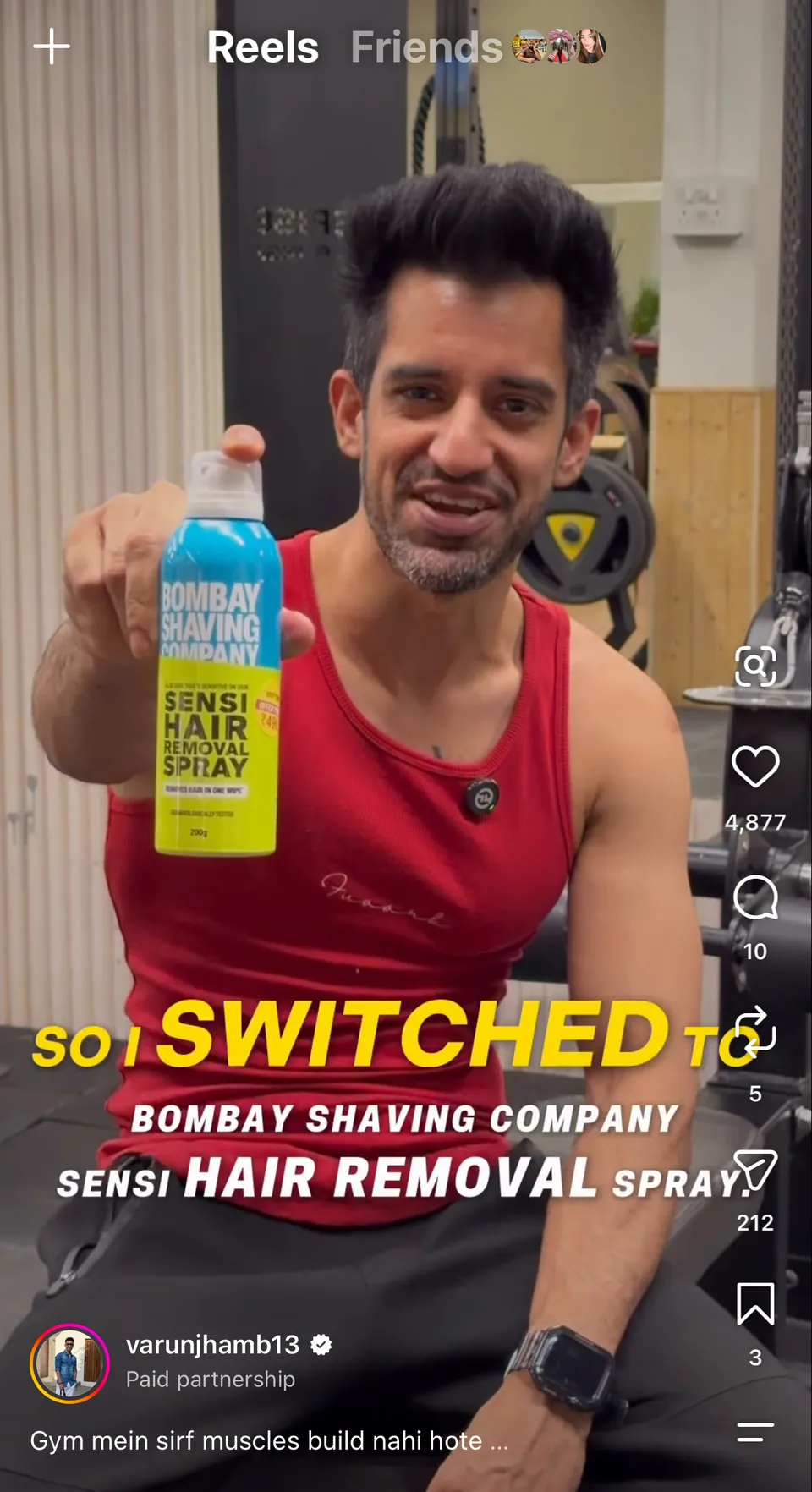
Content made by ambassadors and student creators looks like it belongs on a student’s feed, and it reaches a student’s own followers. Brief them so that it is useful and honest.
A good ambassador brief says what to show, what to say in their own words, what not to claim, the label to use, the deadline and how to share the raw files. It does not script the post word for word. Students sniff out a script.
Ask ambassadors to post the same day or the next, while the memory is fresh, and to tag the brand and the college page. Paid or barter posts must carry a clear label such as #ad or #collab, as ASCI’s influencer advertising guidelines require, and that includes student creators. Check posts before they go live where the brand has agreed to review, and keep a record of what was approved.
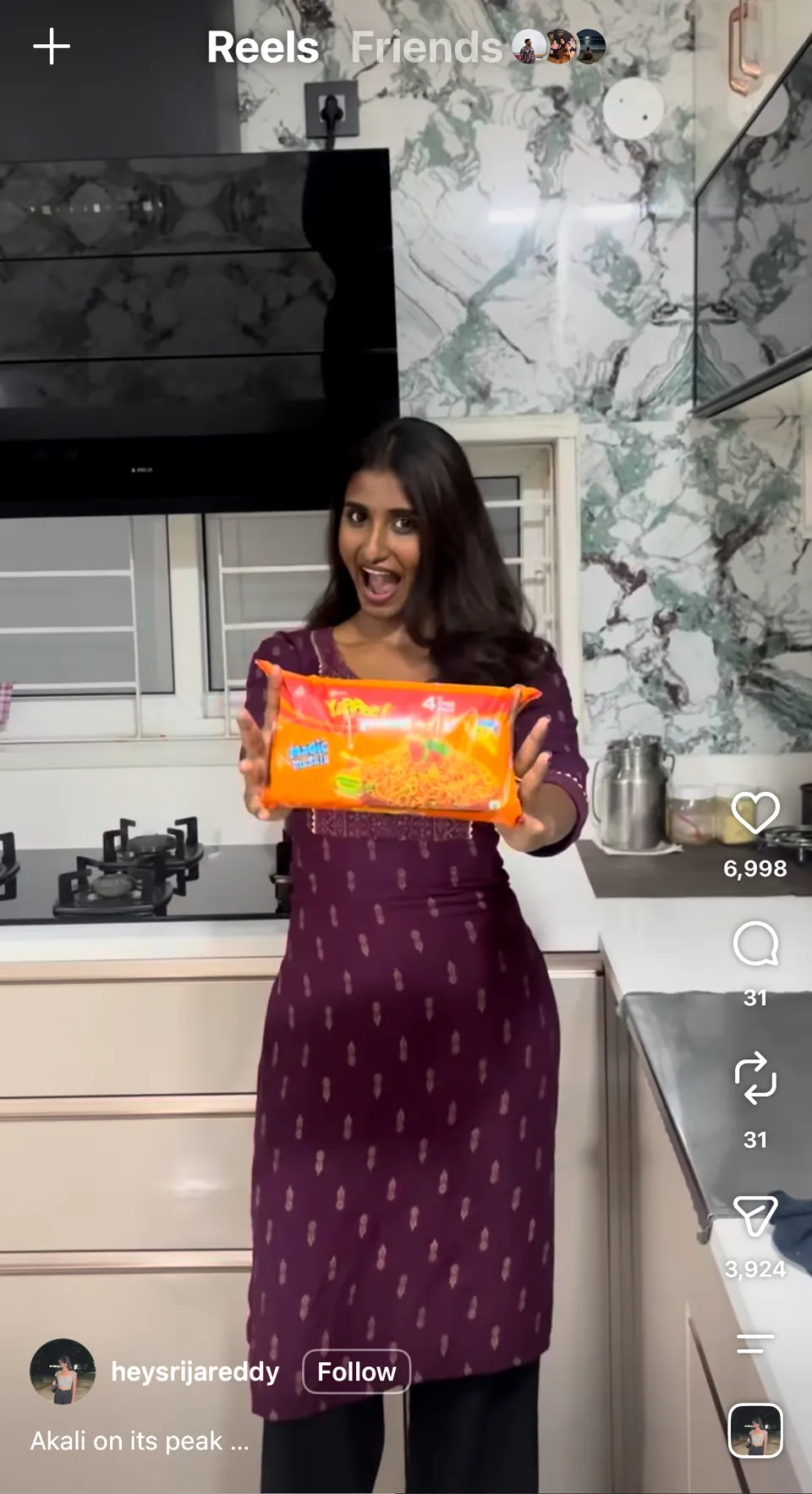
When we ran Hive Hostels’ launch through campus creators, the content was the point: 89 campus creators produced 89 reels and 300+ stories, with 1.5M impressions and one launch event, as covered in the Hive Hostels case study. For ITC YiPPee!, 100+ creators were live across 70+ colleges, with 200K+ views on the top reel, as shown in the ITC YiPPee! case study. Our UGC campaigns service runs this kind of capture.
Consent and rights
This is where most brands get careless. Four things must be sorted before footage is used beyond the brand’s own page.
- College permission to film. Some colleges restrict filming on campus. Include filming in the activation request, as set out in how to get college permission for brand activations.
- Consent from students. Anyone who is clearly the subject of a shot should agree, verbally on camera or through a short form. For students under 18, which can include first years in some institutions, get a guardian’s or the college’s agreement before using their face in an ad.
- Usage rights. State in writing how the content may be used: organic posts only, or paid media as well, in which markets and for how long. Paid usage is a different permission from posting on a feed.
- Ownership for ambassador and creator content. Agree in the brief who owns the files and whether the brand may edit and run them as ads.
Keep a simple register: file name, who appears, consent type, rights granted, expiry. It takes minutes per shoot and saves a takedown request later.
Editing and turnaround
Speed matters, because the moment loses value in days. A workable timeline looks like this.
| When | Deliverable | Owner |
|---|---|---|
| During the day | Stories posted live, raw clips backed up hourly | Content person, ambassadors |
| Same evening | First reel cut, three best clips selected | Editor |
| Day plus 2 | Reel posted, ambassador posts live | Brand, ambassadors |
| Day plus 5 | Photo set and highlight cut for college page and report | Agency |
| Day plus 7 | Rights register complete, best assets tagged for paid use | Agency |
Back up footage the moment it is shot, to a cloud folder or a second device. A phone dropped in a canteen is a day of footage lost.
Feeding paid media
Activation content is useful in paid media because it shows real students, real places and real reactions. A few practices make it work.
- Choose clips with a clear first second. A person reacting, a prize being won, a queue forming. Cut anything that begins with a logo.
- Test several short cuts. Run three or four versions at a small budget before putting spend behind one.
- Match the content to the audience. Show a Pune clip to Pune students first, and the same format in other cities where the activation is coming next.
- Retarget engaged students. Students who scanned a QR code or signed up can be shown follow-up content.
- Keep the labels. Paid ads featuring creators must show the correct disclosure.
Spending on digital amplification is where the content from a modest stall can reach students who were never on campus. The comparison of offline and online roles is in campus activations vs digital campaigns.
Worked example: a skincare launch
For example, a skincare brand sampling at three colleges in Mumbai plans five reels, one story set and one testimonial clip per college. A content person films the planned shots, with a second ambassador capturing the hostel visit. Students sign a one-line consent on the same QR form as the feedback survey. The first reel goes live the same evening, ambassadors post the next day with the #collab label, and the best two clips run as paid ads to Mumbai students two weeks later. This is a planning illustration, not a past result.
What goes wrong
- Shooting everything and selecting nothing, which leaves a folder no one opens.
- Filming only the stall, not the students.
- Forgetting consent, then being unable to use the best clip in an ad.
- Posting a week late, after the college has moved on.
- Using a track with music rights that do not allow paid use.
Cost and next step
Content capture is a line item in any plan: a videographer or content lead per day, editing, and ambassador payments. A single-city pilot or a creator-only campaign starts from ₹2 lakh, and a multi-city programme with ambassadors, activations and creators runs ₹5 to 15 lakh, before GST. See campus activation cost in India. Our campus activations team can build capture into a plan, and you can reach us through contact.
Questions people ask
How do you get content from a campus activation?
Decide five or so specific shots before the day, put one person in charge of capture, design the activity so students create moments worth filming, and back up footage hourly. Add ambassador and student posts for variety. Collect consent and rights as people take part, not afterwards.
Do I need permission to film students at a campus activation?
Yes. Include filming in the college’s permission request and get consent from students who are clearly shown, on camera or through a short form. For students under 18, get a guardian’s or the college’s agreement before using their face in an ad.
Can I use activation content in paid ads?
Yes, if you hold the rights. Paid use is a separate permission from organic posting, so state it in the consent form and in ambassador briefs. Choose clips with a strong first second, test short cuts at a small budget and keep disclosure labels where creators appear.
Do ambassadors need to label their posts?
Yes. ASCI’s guidelines for influencer advertising in digital media require a clear disclosure such as #ad or #collab on paid or barter posts, and that includes student ambassadors and creators. Put the label requirement in the brief and check posts before and after they go live.
How many reels can one campus activation produce?
It depends on the format and the capture plan. A well-planned one-day stall can produce a few usable reels, several story sets and a photo library. A competition or reveal that students film themselves can produce more. Plan the specific pieces you need before the day.
Who owns the content created by student ambassadors?
Whoever the brief says. Agree in writing whether the student keeps the files, whether the brand may repost or edit them, and whether they may run as ads. Without a clear agreement, you may be able to share a post but not put money behind it.